
AutomationTools
Direct Lake Migration
We are all familiar with import and DirectQuery as query modes for Analysis Services and Power BI semantic models. However, with the release of Microsoft Fabric, there is a new kid on the block - Direct Lake!
25 articles tagged Automation.

Learn how to easily export metadata of visuals, filters and other objects within your Power BI report.

Easily overcome a potential data source issue when migrating to Power BI Premium.
Learn how to push your report level measures into your tabular model!
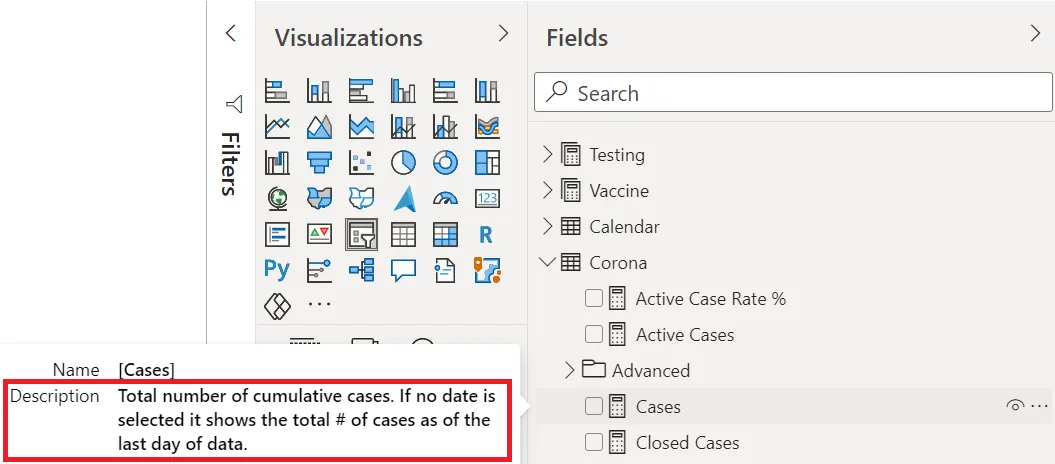
Learn the best method for adding descriptions to objects in your model.

Learn how to create an automated data dictionary via Excel.

A tool for managing the processing of large tabular models.

Learn how to cancel a Power BI Premium data refresh using Azure DevOps.

A simple way to process table(s), partition(s) or the model in Tabular Editor.

Learn how to programmatically cancel a dataset refresh using Tabular Editor.

Learn how to quantify the savings of following a particular best practice rule.
A new method to create an automated data dictionary which also works for Power BI Premium models.
Import Vertipaq Analyzer data from a .vpax file into Tabular Editor.
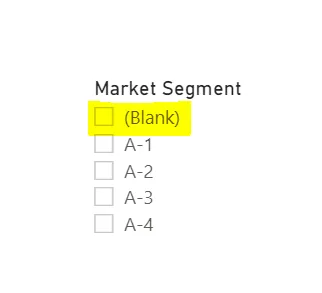
An automated way of scanning your model to find the cause of blank rows in your model.

See Vertipaq Analyzer stats in Tabular Editor and create Best Practice rules around them.

Generate aggregation tables automatically for your model.
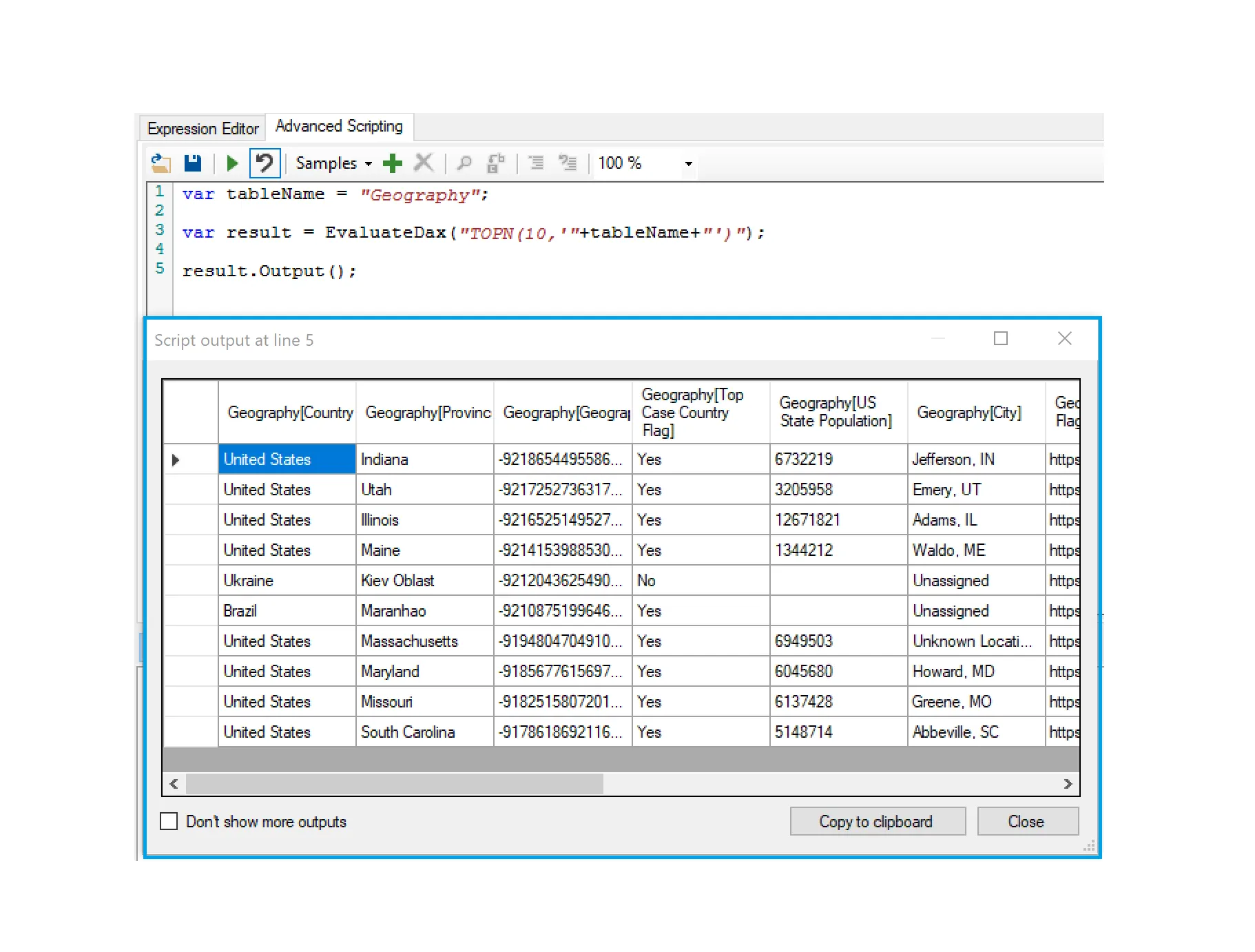
Learn how to see a preview of your data in Tabular Editor.
Quickly extract model metadata into a user-friendly output.

Dynamically create a tabular model based on an Excel template.

Learn how to create autonomous monitoring of your tabular model.

Automate the best practice of setting proper column/measure references through the Best Practice Analyzer.
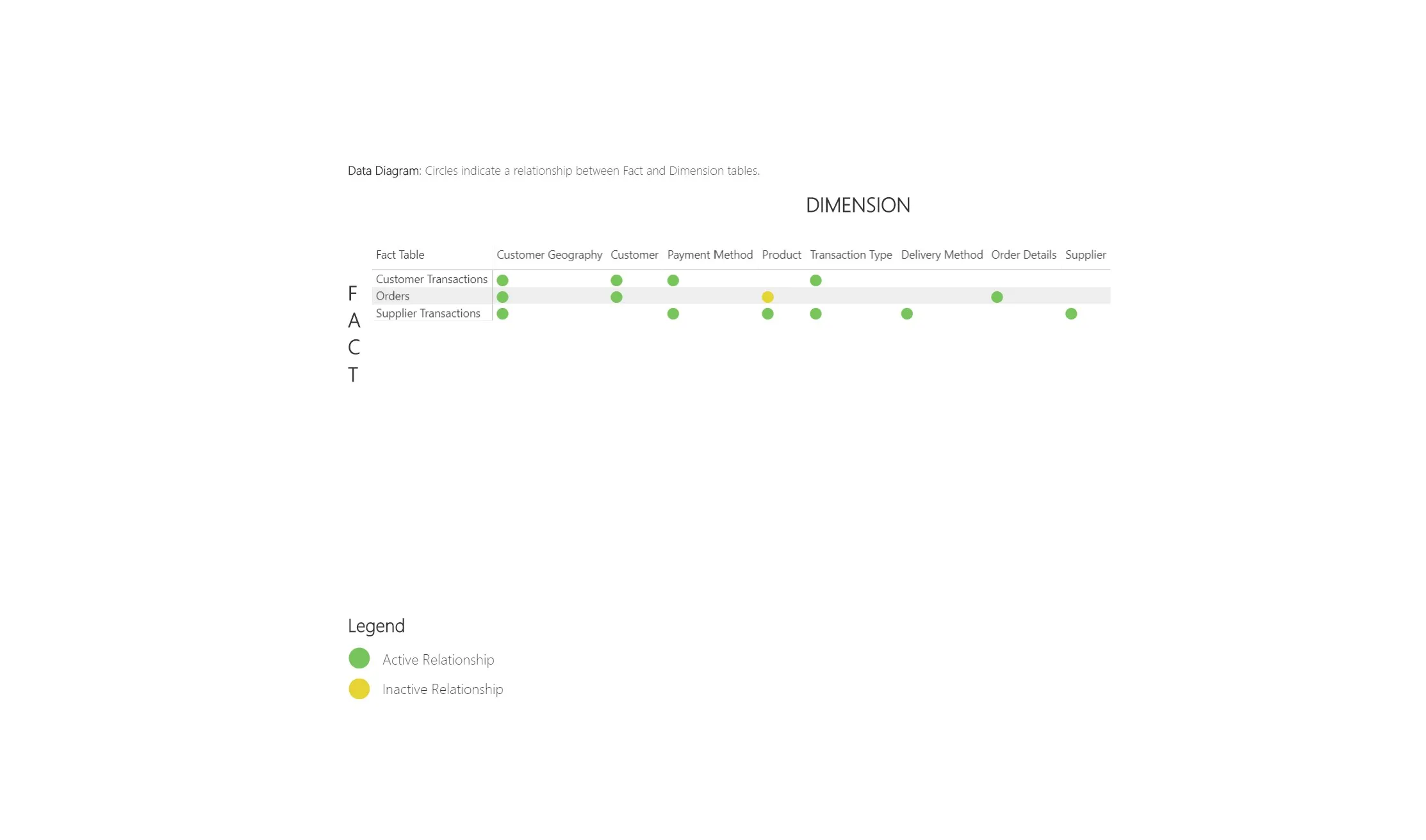
Visualize your data model's relationships in a simple and elegant manner.

Creating an automated data dictionary via metadata

Use this technique to create tailored solutions for different user groups all while further optimizing performance.